Customer details and staff tasks, on mobile too.
MY ISP helps customers view their connection details. MY ISP Workplace helps employees handle their work in the office or in the field.
 Part of your ISP’s service
MY ISP
Customer app
Let customers view their connection and payment details.
See connection uptime, data usage and payment activity in MY ISP.
Connection details
View data usage, uptime, package information and relevant device details.
Bill payments
Pay through supported methods and review recent payment records.
English and Bangla
Use the app in the language you are comfortable with.
Your details close at hand
View the connection and account information you need from the app.

You can use this app if your ISP uses MikroBilling.
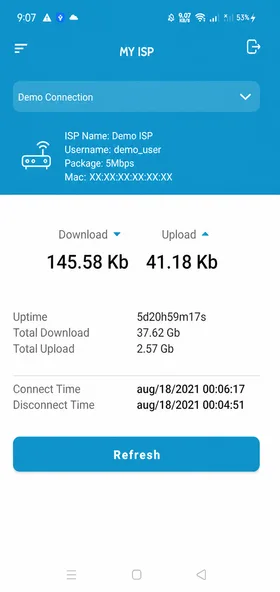
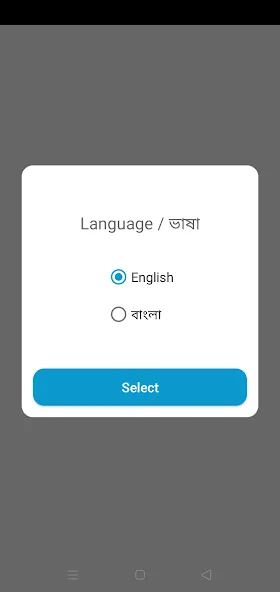
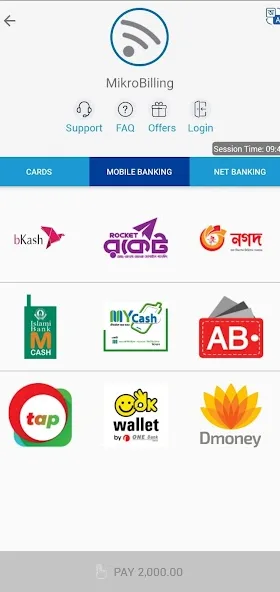
Example screens with personal details hidden.

MY ISP Workplace
Staff app
Handle duty, tickets and field tasks on your phone.
Authorized ISP employees can start and finish duty, update service tickets and record collections in the app.
Duty and attendance
Check in and out of duty according to your assignment.
Service tickets
View assigned tickets, report progress and update the ticket when the issue is resolved.
Field work location
Share GPS location during duty according to enabled features and your device permissions.
Collections and receipts
Record customer collections and handle receipts during customer visits.
You need an employee account issued by your ISP organization using MikroBilling.
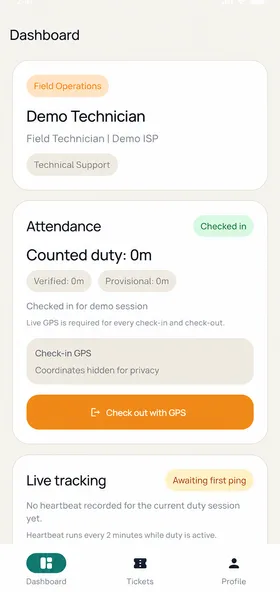
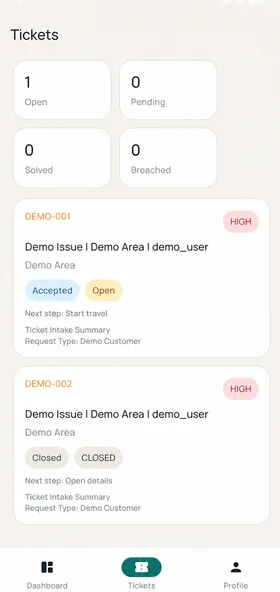
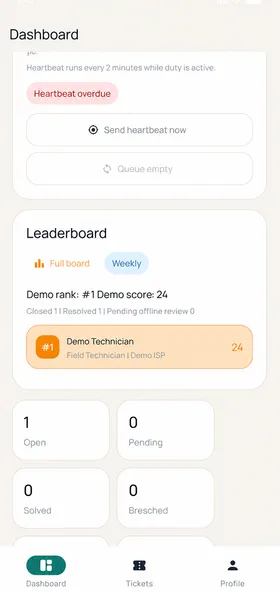
Example screens with personal details hidden.
How the two apps work together
An app for each person’s work.
Customer connection and payment details, and employees’ service tasks, link to your ISP’s MikroBilling records.
One organization’s records
Both apps work with the same ISP’s MikroBilling service.
Tools for each role
Customers view their own details. Employees carry out their assigned ISP tasks.
Access managed by your ISP
Your ISP controls which customers and employees can use the apps.